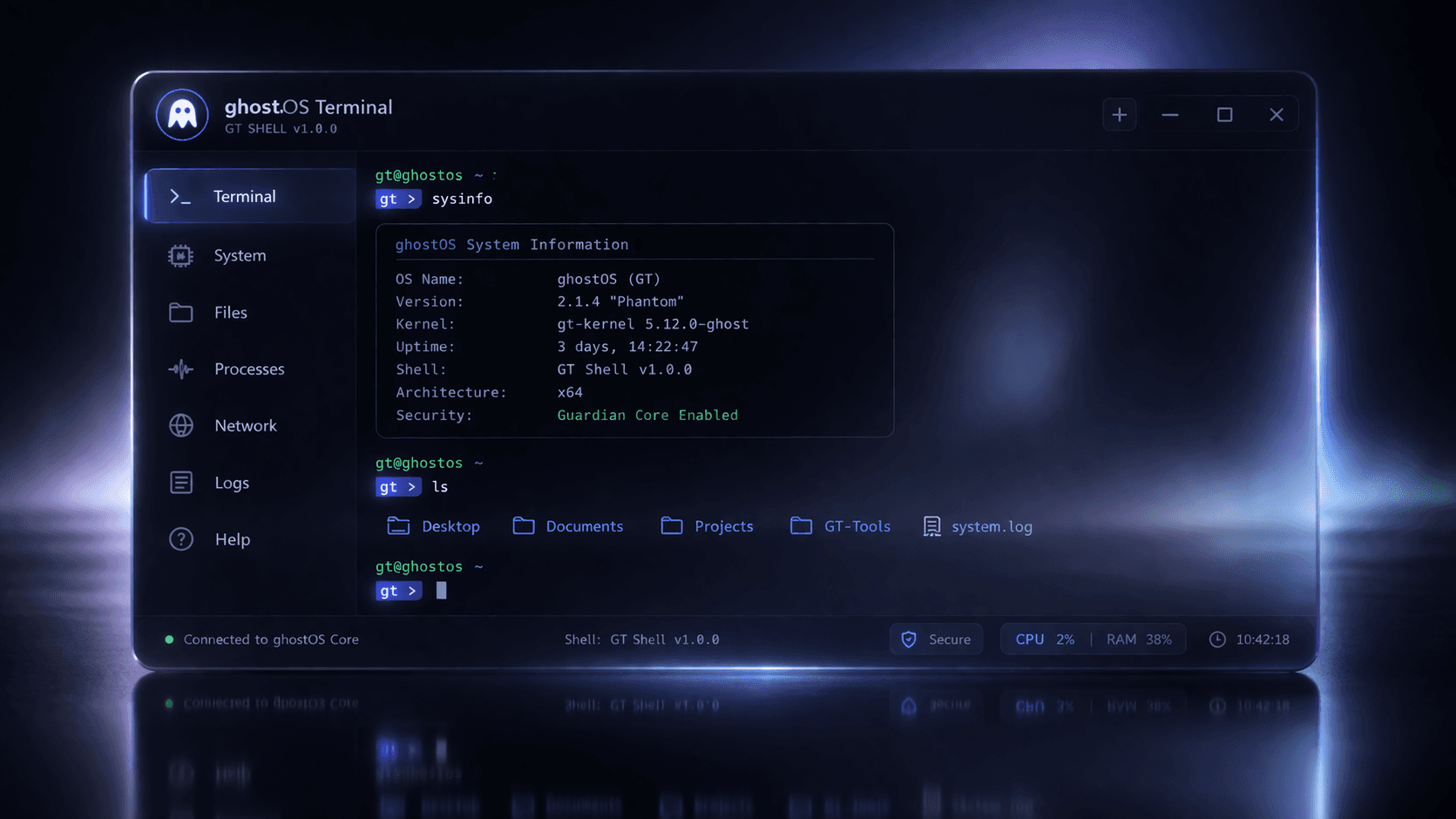
A real operator terminal for ghostOS, shipped as a sealed Windows product.
GT brings the live ghostOS runtime to Windows without a repo checkout. Operators get the branded installer, bundled runtime, VS Code bridge, serial-first identity, wallet onboarding, Wi-Fi, MultiNode, and host-assisted P2P bootstrap in one flow.
Windows installer
The fastest path for operators. Installs GT locally, stages the sealed runtime on demand, and prepares the terminal entry point.
Public bundle ZIP
The full release package for auditing or offline transfer: installer, runtime payload, VSIX, license files, and operator docs.
Direct VSIX
For manual VS Code installs when you want to pin the terminal profile or test the release alongside the standalone GT app.
What operators need to know before first launch.
GT is not a repo wrapper. It is a public operator product that brings up the real ghostOS runtime, binds it to a Windows user, and launches a shell that matches the in-editor GT terminal flow. The current build is designed for live Wi-Fi, wallet, MultiNode, and P2P bring-up testing.
The runtime ships in compiled form, stays sealed at rest, and is only staged into a runnable VM workspace when GT prepares a live session. That keeps deployment aligned with the runtime we actually validate, while avoiding a raw source checkout in the operator install root.
The current public operator path is Windows-first and uses the VMware-backed GT runtime flow. That means operators no longer need a local repo checkout, but they should still be on the supported Windows runtime stack we ship and validate.
Windows first, then shell verification.
1. Download gt-setup-current.exe
2. Approve Windows installation once
3. Launch GT from the installed shortcut
4. Or install the VS Code extension from Marketplace
5. Open the shell and verify:
   ghost whoami
   ghost wifi scan
   ghost p2p announce
   ghost p2p bootstrap
   ghost p2p stack
The baseline GT shell commands for a real runtime.
What “public-ready” means right now.
GT now works as a standalone Windows install and as a VS Code terminal entry. The shell can bring up the real ghostOS runtime, read host-visible Wi-Fi networks, maintain Ghost0x wallet identity, and complete host-assisted P2P bootstrap without a local source checkout.
The current release is designed for operator testing, P2P expansion, and live network bring-up. It is ready to distribute to trusted testers, but Windows security prompts will still show Unknown Publisher until the installer EXE is Authenticode-signed with a real code-signing certificate.
What the current release exposes.
Install GT, attach to ghostOS, and start the network bring-up sequence.
Once GT is installed, the terminal should be able to verify identity, inspect the current Wi-Fi state, announce its Ghost0x route, bootstrap the P2P stack, and report MultiNode visibility from the same runtime session.